
🎨 Free guide
A free presentation maker with magical themes
School project, family slideshow or a business pitch: make it pretty in minutes, then show it full screen or save it as PowerPoint.
Free · no account · no ads · your file never leaves your computer
How to do it
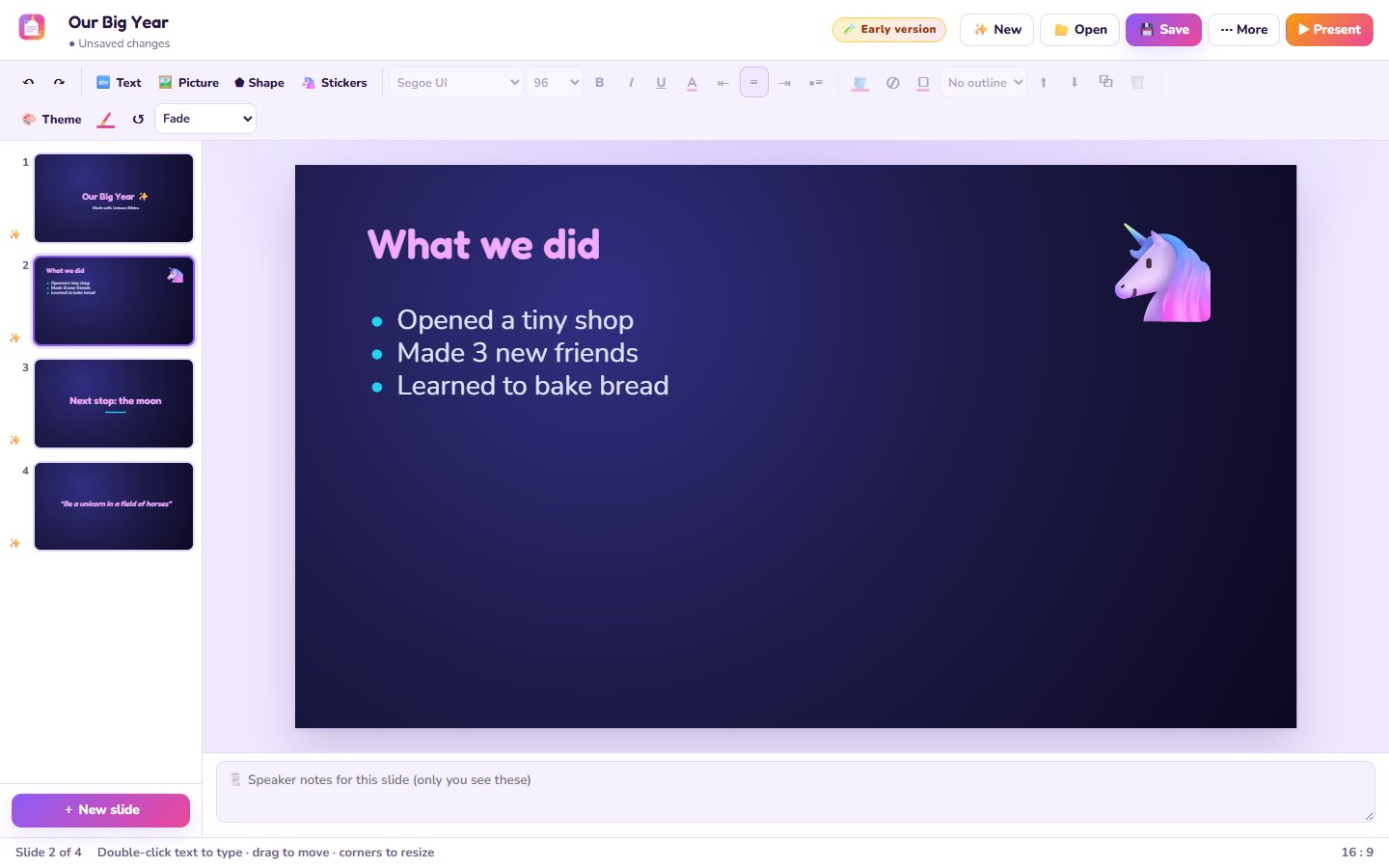
- Open Unicorn SlidesIn your browser, nothing to install.
- Pick a themeUnicorn, Galaxy, Sunset, Cozy fall, Ocean and more.
- Add slidesTitle, bullet points, two columns, picture + words, big quote.
- Add pictures, shapes and stickersDrag them around; pink guide lines help line things up.
- Press ▶ PresentFull screen with fade, slide, zoom or flip. Save as PowerPoint or PDF.
Good to know
- Speaker notes under each slide, only you see them.
- Opens PowerPoint files too: text, pictures, shapes and notes come in. Tables and charts are on the list.
Questions
Does it work with PowerPoint?
Yes, it saves .pptx files that PowerPoint opens.
Is it free?
Totally free, no account and no watermark.
Can I show it on a TV?
Yes, press ▶ Present on the screen connected to the TV.