
📄 Free guide
Open a Word file without Word
Someone emailed you a .docx file and you don’t have Word? Open it, change it and save it back as a Word file, for free.
Free · no account · no ads · your file never leaves your computer
How to do it
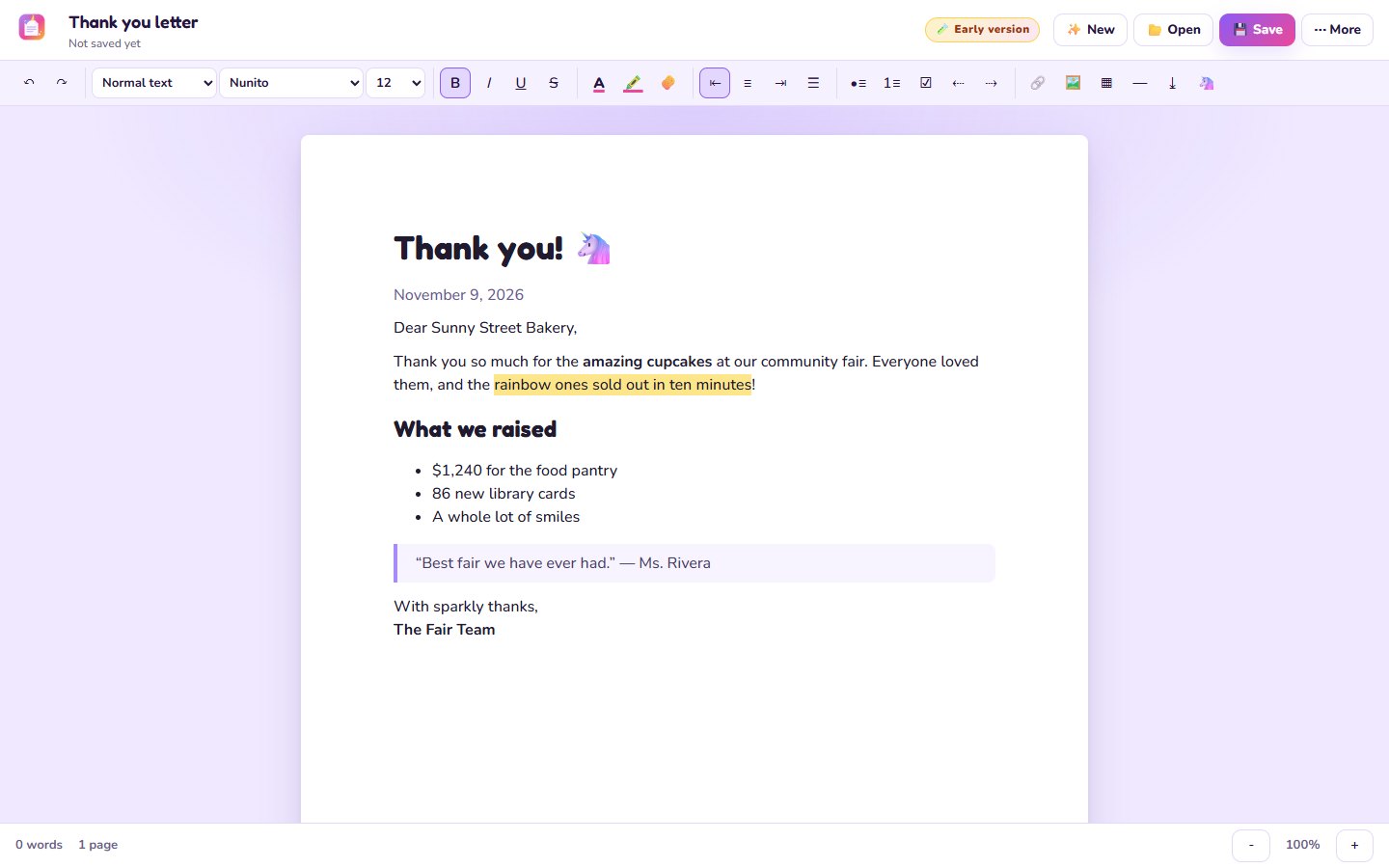
- Open Unicorn PaperIt opens in your browser.
- Open the Word fileDrop the .docx in, or click 📂 Open.
- Make your changesFonts, colors, lists, tables, pictures: the usual stuff.
- Save💾 Save keeps it as a Word file. You can also save it as a PDF.
Being honest
Simple and everyday Word files come in nicely: text, headings, bold and italics, lists, tables, pictures and links. Very fancy layouts (text boxes, special fonts, track changes) may not look exactly the same yet. Saving keeps your colors, fonts and sizes.
Questions
Will the other person be able to open it?
Yes, it saves a normal .docx file that Word and Google Docs open.
Does it cost anything?
No. Free, no account, no ads.
Is my file uploaded?
No, it stays on your computer.