A free Microsoft Office alternative, no account needed
Need Word, Excel or PowerPoint but don’t want to pay every month or make an account? Unicorn Works gives you free apps that open and save the same files.
Free · no account · no ads · your file never leaves your computer
How it works
- Open Unicorn Works OnlineNo download and no sign up. It runs right in your web browser.
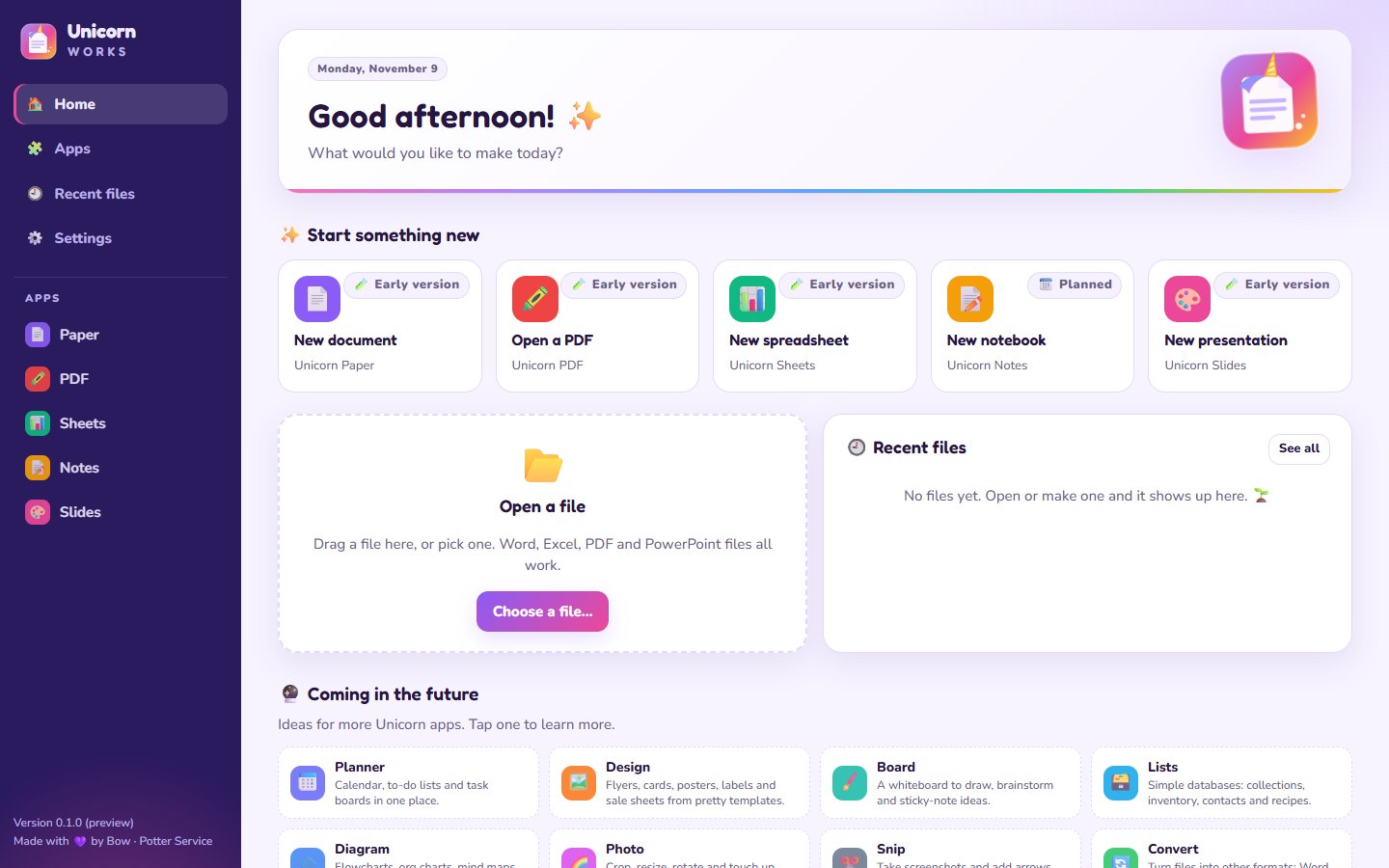
- Pick an app📄 Paper for documents, 📊 Sheets for spreadsheets, 🎨 Slides for presentations, 🖍️ PDF for PDFs.
- Open your file or start freshDrop in a Word, Excel, PowerPoint or PDF file, or pick a template.
- Save it back the same waySave as .docx, .xlsx, .pptx or PDF, so anyone can open it.
What matches what
Being honest: what it can’t do yet
Unicorn Works is new, and every app is an early version. Some bigger things are still on the list: charts in spreadsheets, track changes and comments in documents, tables inside slides, and a few fancy Word layouts. Bow keeps improving them.
⚖️ See the full comparison with Microsoft 365, LibreOffice, OpenOffice and Google Docs
Questions
Is it really free?
Yes. No ads, no memberships and no payments. Bow pays the costs out of pocket.
Can I open files people send me?
Yes: Word (.docx), Excel (.xlsx, .csv), PowerPoint (.pptx) and PDF files.
Do my files get uploaded?
No. Everything happens on your own computer, even in the online version.
Is there a download?
A free Windows app is coming soon, with even more apps.